Best of TrailEye
A feature-focused look at species identification, timelines, maps, heatmaps and reports.
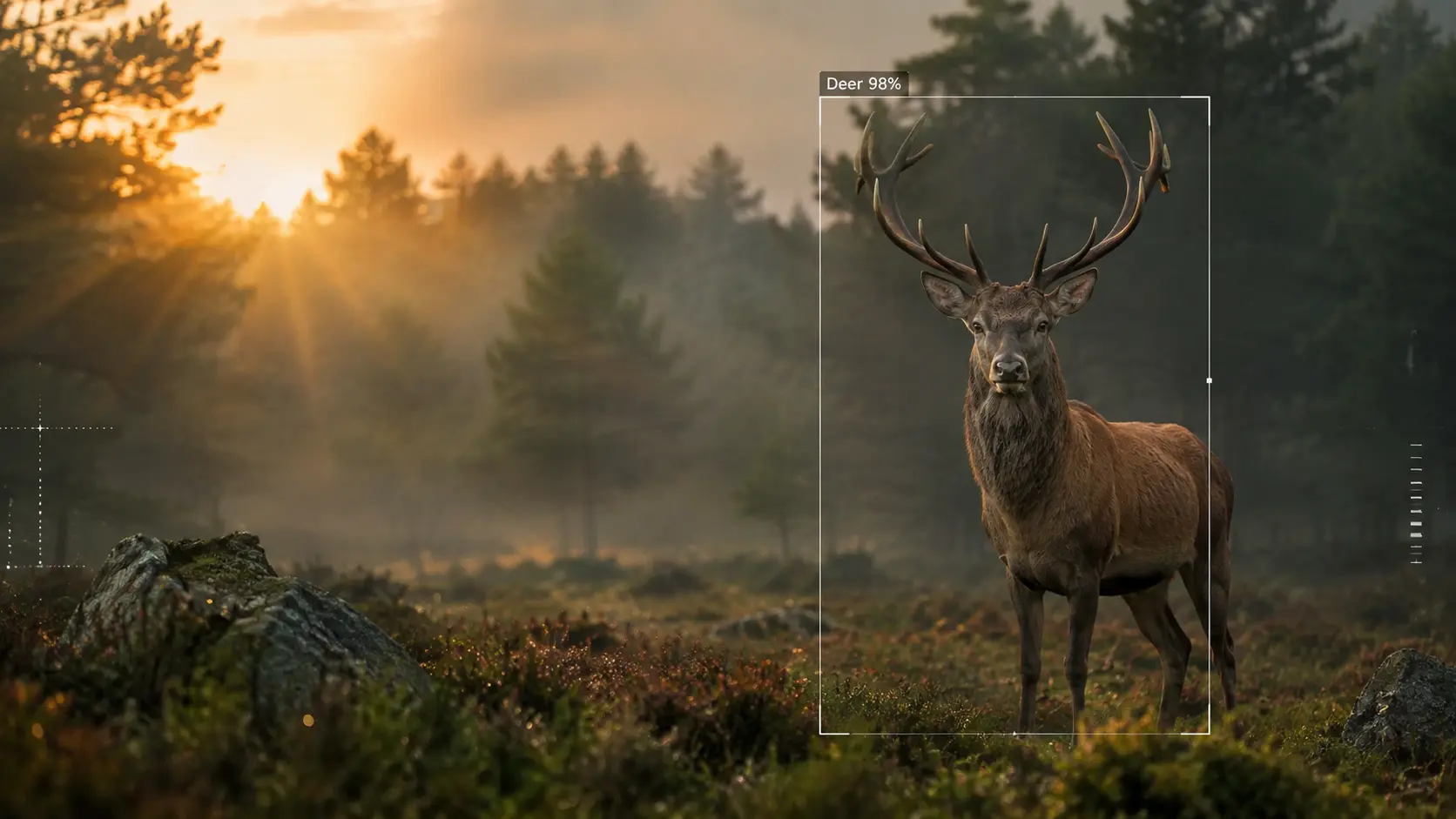
TrailEye AI detects animals, people and vehicles, identifies supported wildlife species, recovers timestamps and turns thousands of photos and videos into timelines, heatmaps, statistics, maps and exportable reports.
Explore local detection, species identification, timelines, heatmaps, camera sites and export-ready analysis in one feature-focused tour.
A feature-focused look at species identification, timelines, maps, heatmaps and reports.
The redesigned homepage reflects the actual Windows software: reviewable AI detections, time and location context, activity analytics and field-ready exports.
Automatically surface likely events before detailed review so empty or irrelevant frames do not consume your time.
Free and Explorer identify animals with DeepFaune (38 animal types). Professional uses Google SpeciesNet (2,000+ animal types) and also detects people and vehicles. Confirm, reject or relabel each suggestion.
Read burned-in trail-camera date/time overlays with OCR, with EXIF and file timestamps available as fallback context.
Keep original media, detection confidence, predicted species, timestamp and event context together in one workflow.
Professional analyzes photos and video clips in the same workflow. Free and Explorer analyze photos only.
Export CSV, Excel, selected images and PDF reports for hunters, landowners, researchers, clubs or management records.
TrailEye converts reviewed detections into visual activity patterns so you can move from a folder full of media to an evidence-based view of species activity.
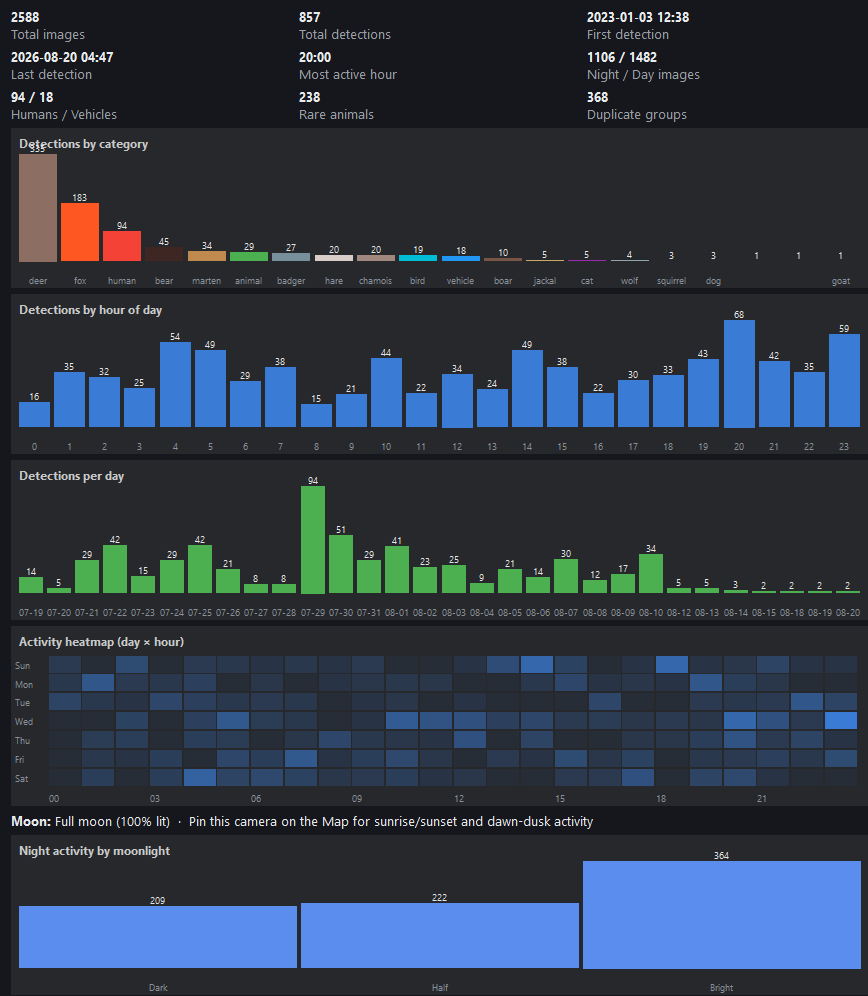
Explore observations by species, hour and day instead of manually counting sightings in spreadsheets.
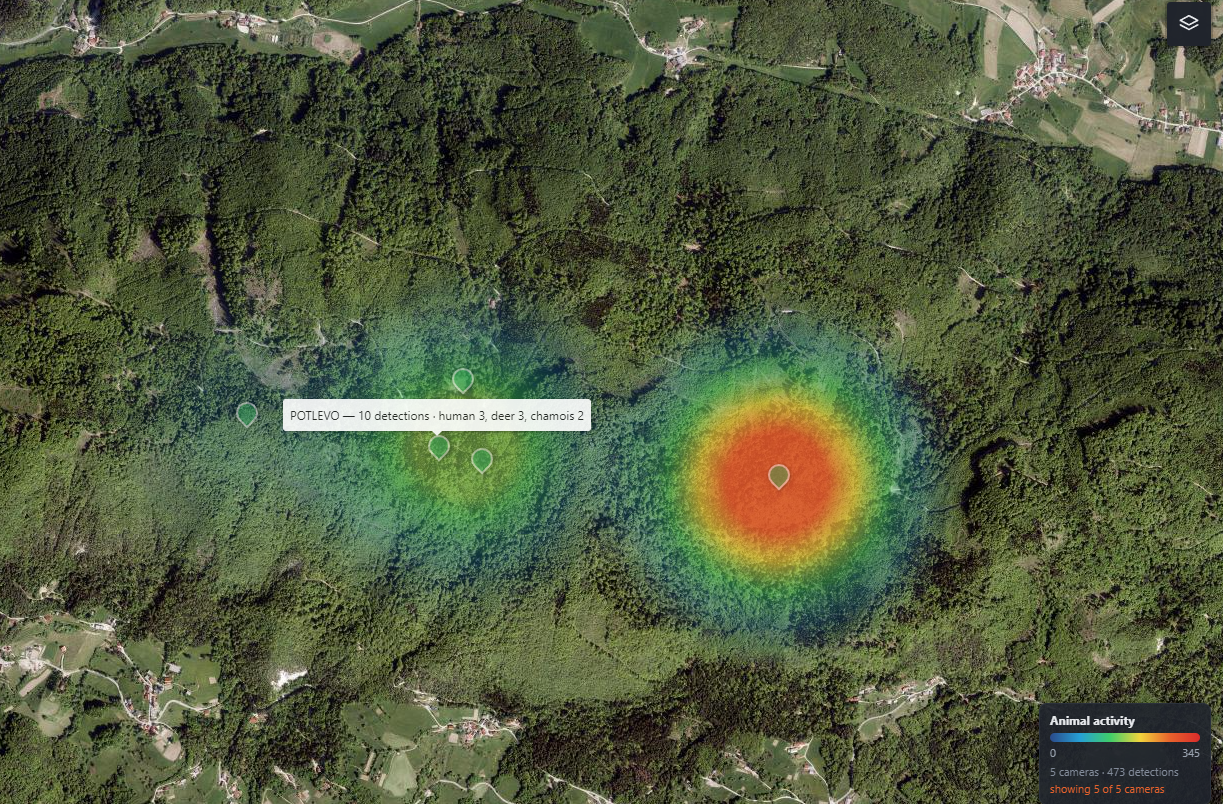
View manually placed camera sites or use photo GPS where available, then compare activity by location rather than treating every camera folder as one anonymous archive.
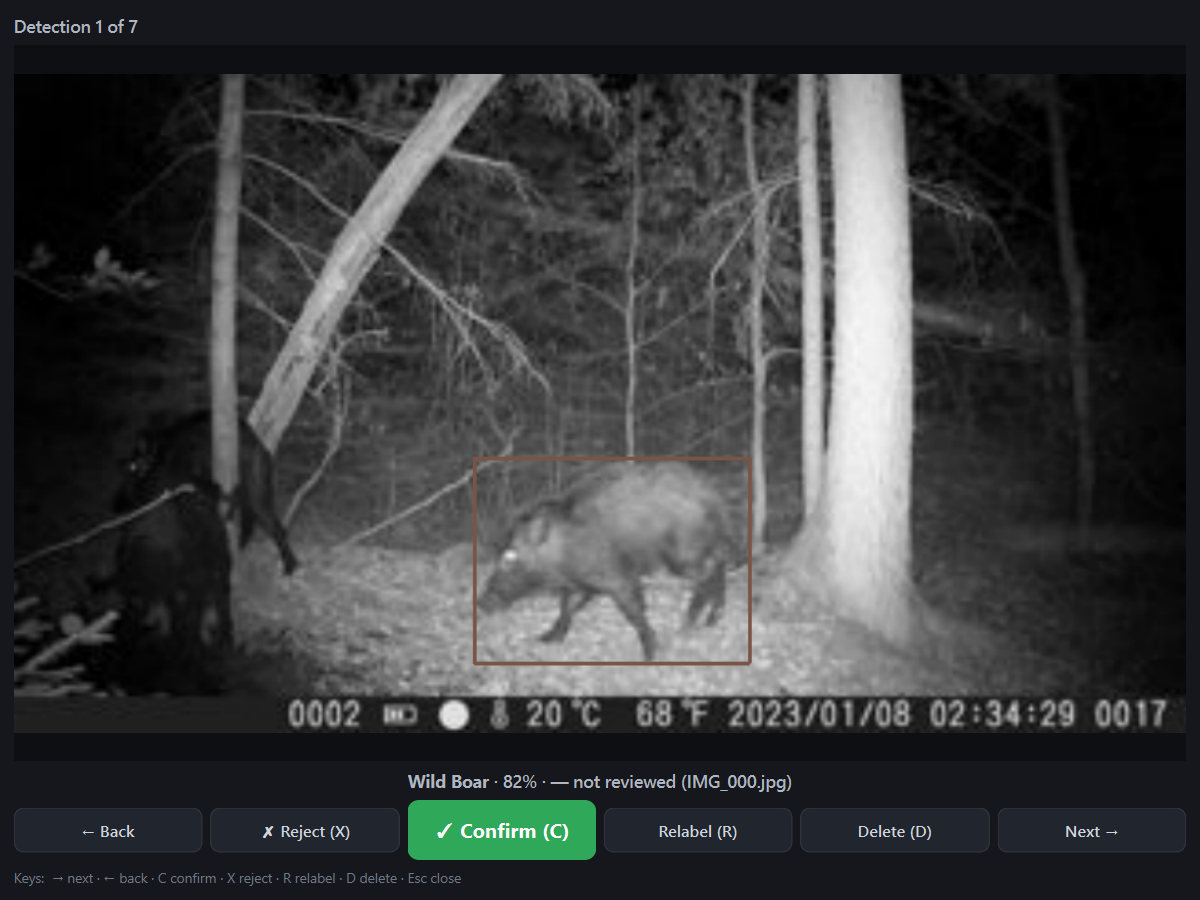
Camera-trap conditions vary by species, season, distance, illumination and camera model. TrailEye keeps AI classifications reviewable so you can confirm, reject or correct uncertain results.
From European forests to North American hunting ground, TrailEye's workflow is designed around real trail-camera archives and supported wildlife recognition.
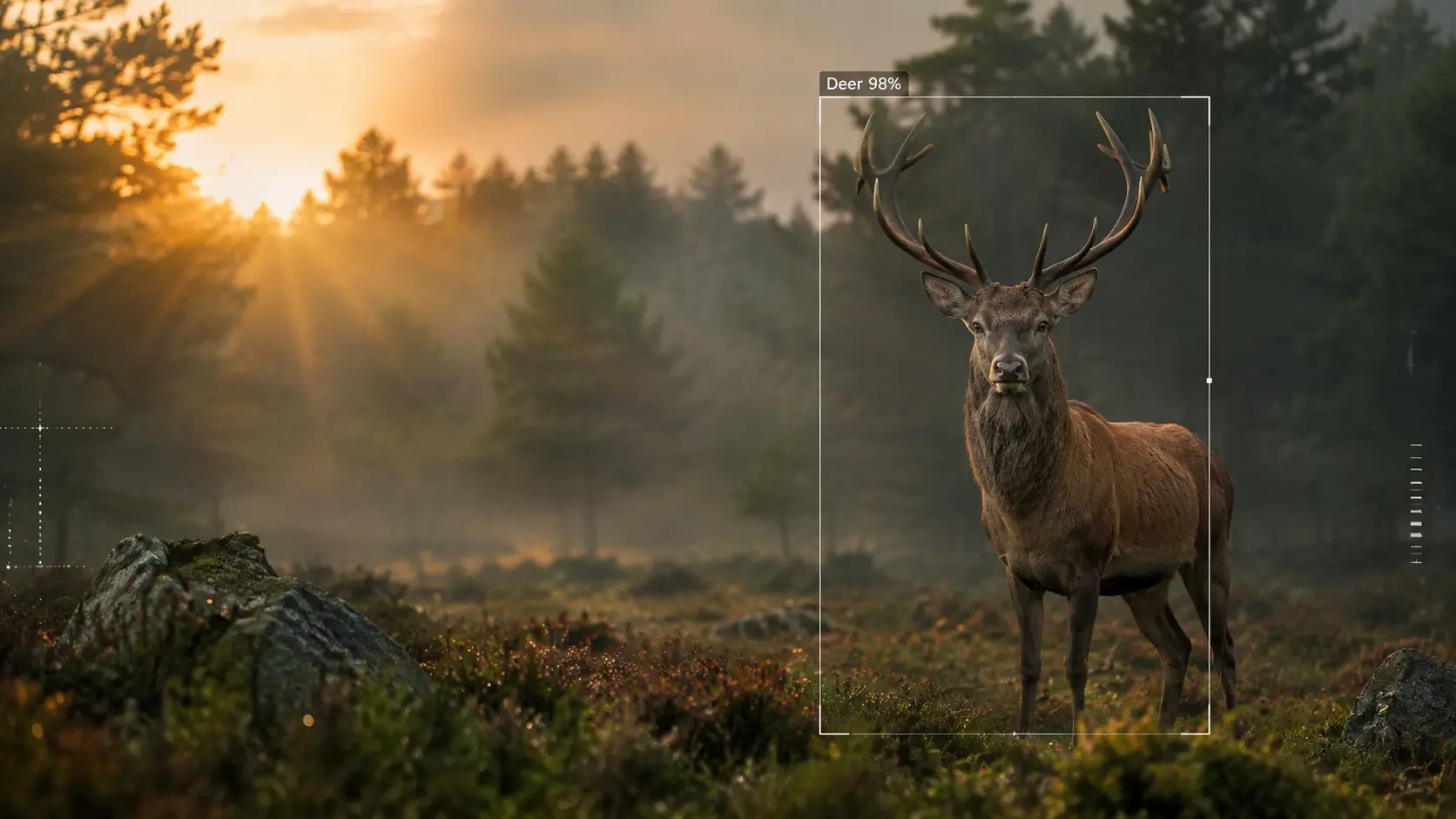
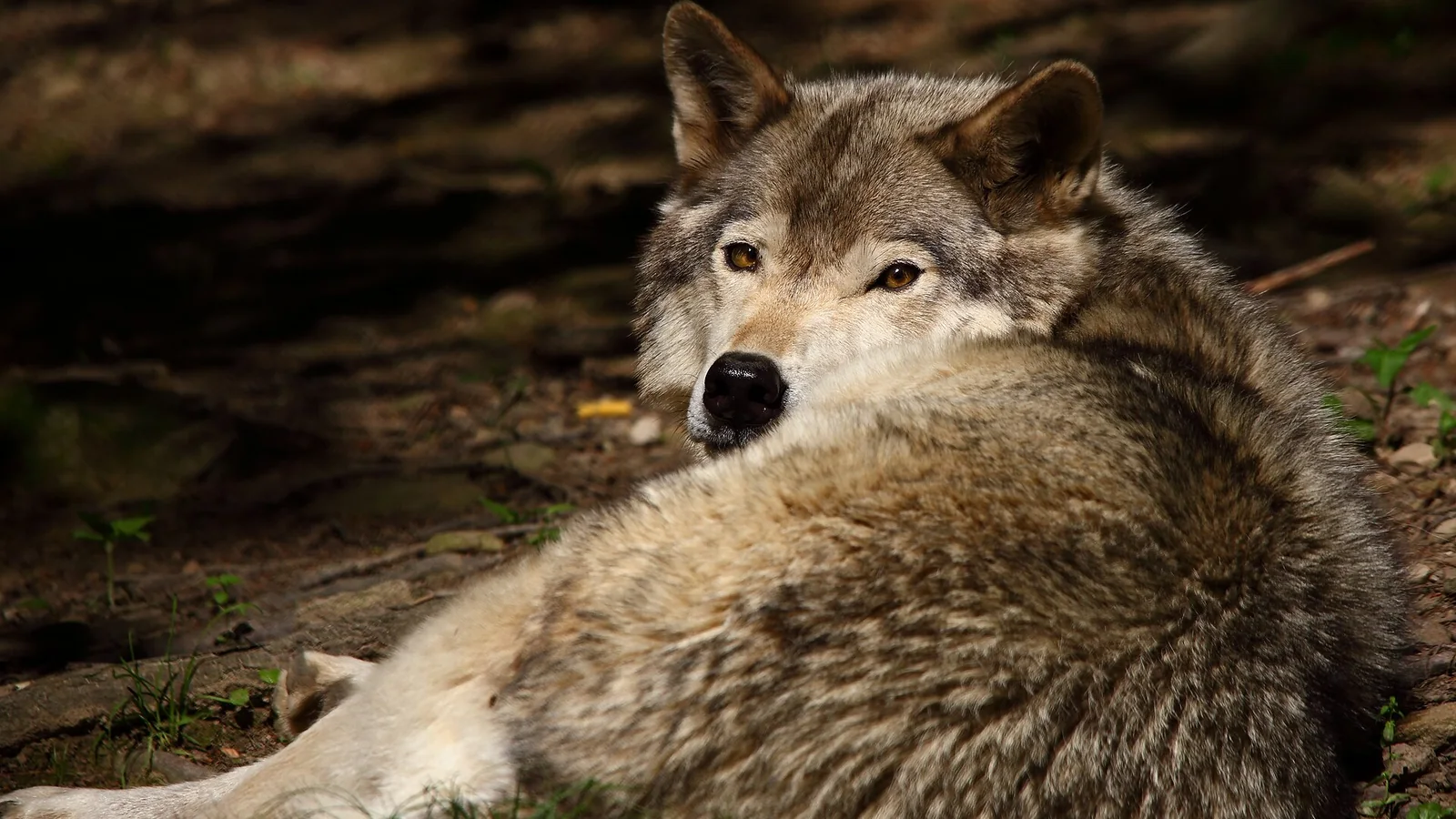
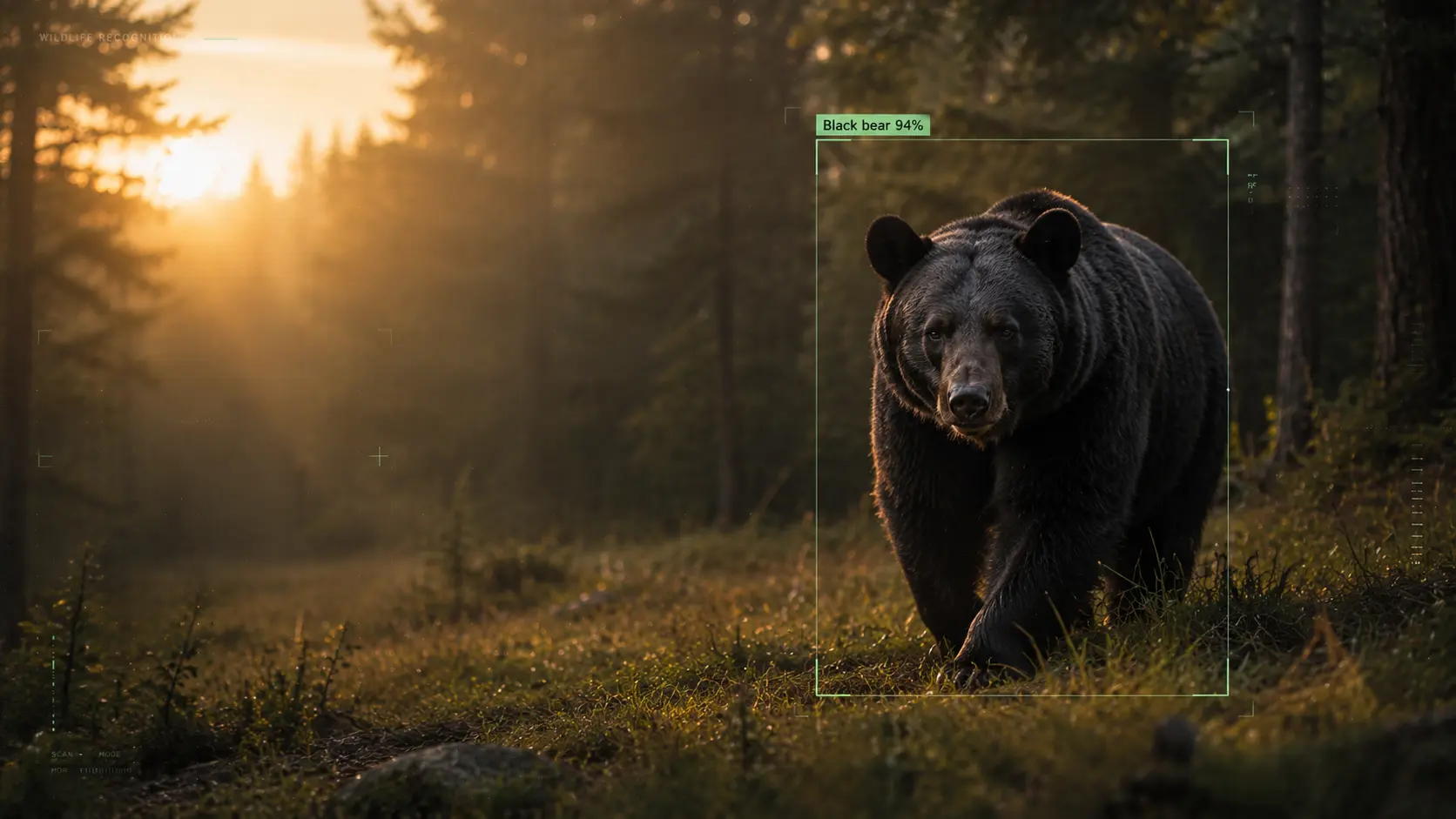
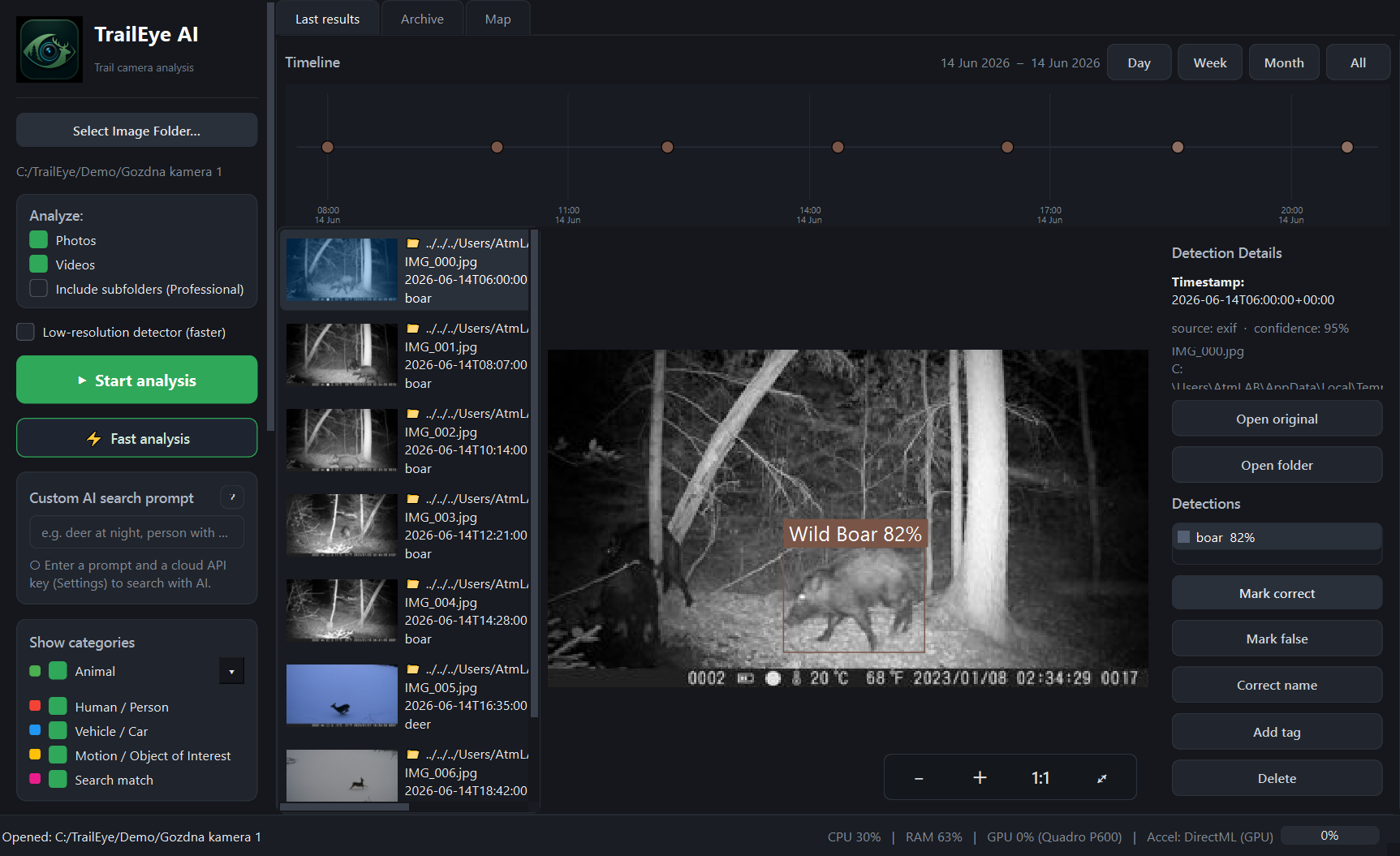
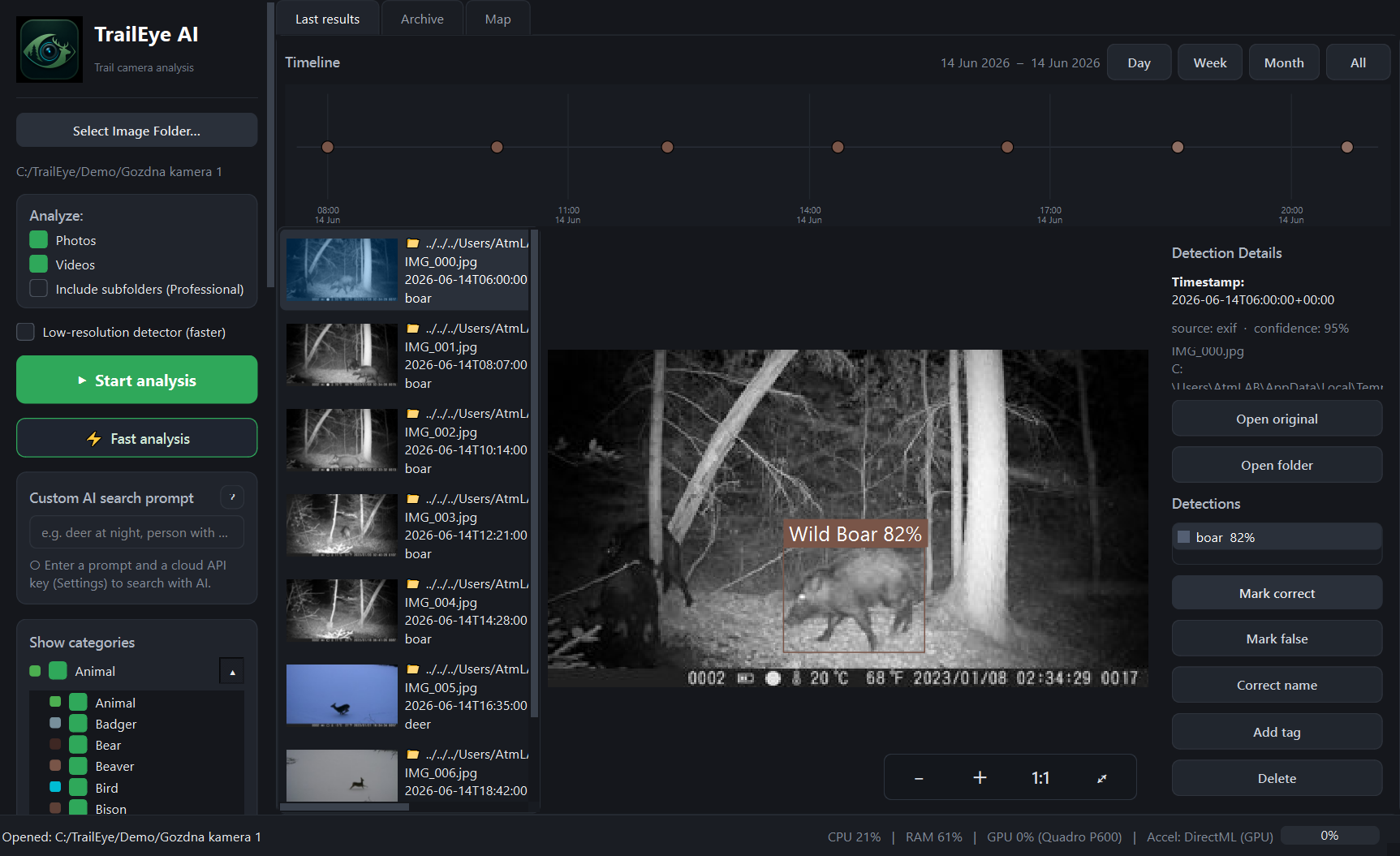
Point TrailEye at copied trail-camera photos, videos or a seasonal folder tree, depending on your edition.
Detect events, predict supported species and recover time context while your archive remains under your control.
Correct classifications, filter by species or camera site, inspect heatmaps and statistics, then export the results you need.
Review seasonal cameras faster, compare activity by time and location and share selected findings without uploading private land imagery to a mandatory cloud service.
Explore hunter workflow →Triage field-camera datasets, retain human validation, recover timestamps and export reviewed results into downstream research workflows.
Explore research workflow →Turn thousands of backyard, forest or reserve camera files into searchable sightings, species timelines and meaningful activity patterns.
Start with Free →Choose your photo limit and species model. Paid editions are one-time purchases.
Animals only
Animals only
Animals, people and vehicles
All AI models are included in the installer. No first-run model download is needed. SpeciesNet labels include species, broader animal groups and non-animal classes; predictions remain reviewable.
Download the permanent Free edition for Windows and test TrailEye on up to 100 of your own photos per analysis before choosing a paid licence. Video analysis is included in Professional.